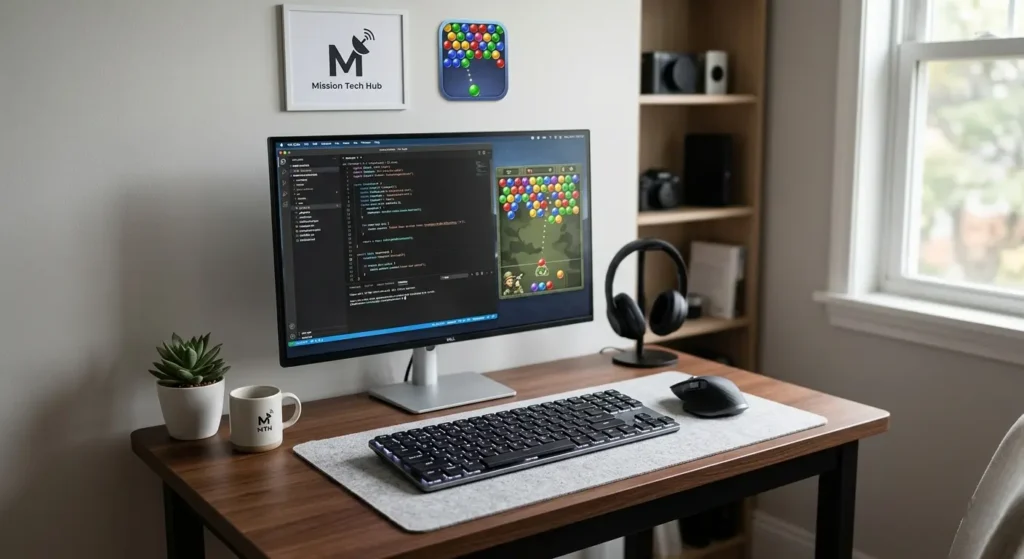
A clean, minimalist desk setup is the ultimate productivity flex. Whether you are a professional web developer coding late into the night, a digital creator editing content, or a casual gamer looking to clear rows in a military bubble shooter, desk real estate is precious.
Traditional mechanical keyboards are often chunky, loud, and take up far too much room. That is where ultra-thin mechanical keyboards come in. By combining the low-profile tactile feedback of a mechanical switch with a slim, space-saving design, these keyboards offer the ultimate typing experience without cluttering your workspace.
If you want to maximize your desk space, you need the right tools. Explore the curated selection of high-performance desktop options at Mission Tech Hub to find the gear that elevates your workflow.
Why Choose a Low-Profile Mechanical Keyboard?
Low-profile, ultra-thin mechanical keyboards use shorter switch stems and slimmer keycaps. This offers unique structural benefits for small setups:
- Ergonomic Comfort: Because they sit lower to the desk surface, they reduce wrist extension, often eliminating the need for a bulky wrist rest.
- Portability: Their slim footprints make them incredibly easy to slip into a laptop bag for remote work.
- Aesthetic Appeal: They match the sleek, modern design language of modern screens, minimalist mouse pads, and compact desk setups.
Key Layouts Explained: Finding Your Perfect Footprint
When managing a small desk layout, selecting the correct keyboard form factor is half the battle.
1. The Ultra-Compact 60% Layout
Eliminating the arrow keys, function row, and number pad, 60% keyboards are the undisputed champions of space-saving design. They give your mouse maximum tracking space, making them perfect for fast-paced gaming sessions or cramped workstation tiers.
2. The Practical 75% or TKL (Tenkeyless) Layout
If you frequently use arrow keys for coding or navigating spreadsheets but still want to save horizontal space, a 75% or TKL layout is the ideal middle ground. It retains core functionality while remaining significantly narrower than standard full-sized boards.
To compare different layouts, check out the specialized collection of space-saving Keyboards at Mission Tech Hub to find the ideal layout for your desk setup.
The Top Ultra-Thin Keyboards for Small Desk Setups
1. Logitech MX Mechanical Mini – The Productivity King
For professionals who prioritize structural elegance and multidevice connectivity, the Logitech MX Mechanical Mini is a premium contender. It features low-profile tactile switches that provide a deeply satisfying click with minimal finger fatigue.
- Layout: 75% Compact
- Best For: Multi-device workflows, content creation, and sleek modern desk setups.
2. A4Tech Fstyler FBX51C – The Sleek Budget Minimalist
If you need an ultra-thin footprint that effortlessly shifts between your laptop, tablet, and phone, the A4Tech Fstyler FBX51C Mini stands out. While utilizing crisp scissor-style actuation rather than deep mechanical housings, its ultra-slim profile offers the snappy response of a high-end mechanical board at a fraction of the cost.
- Layout: Ultra-Compact Mini
- Best For: Maximizing desk space on a budget.
Discover competitive pricing on high-quality portable gear like the A4Tech FBX51C Mini at Mission Tech Hub.
3. Logitech G915 TKL LIGHTSPEED – The Premium Gaming Pick
Gamers who refuse to compromise on speed or desk aesthetics frequently turn to the Logitech G915 TKL. Boasting professional-grade wireless performance and ultra-thin low-profile mechanical switches, this keyboard sits incredibly low to the desk while providing lighting-fast actuation.
- Layout: Tenkeyless (TKL)
- Best For: Competitive gaming and late-night productivity sessions.
How to Optimize a Small Desk for Ultimate Productivity
Buying a compact keyboard is just the first step in reclaiming your workspace. To build a highly functional, minimalist desk setup, implement these strategic tips:
Use a Dual-Mode Wireless Connection
Cables create visual clutter and restrict movement. Opt for keyboards that offer dual-mode connectivity (2.4GHz wireless for latency-free gaming and Bluetooth for multi-device pairing). Switching seamlessly between your computer and mobile devices keeps your workspace clear of unnecessary wiring.
To build an entirely cable-free setup, pair your new slim keyboard with premium wireless peripherals by exploring the diverse catalog at Mission Tech Hub.
Elevate Your Monitor
By utilizing an adjustable monitor arm or a slim riser shelf, you open up the valuable surface area directly underneath your screen. This creates a perfect temporary storage spot to slide your ultra-thin mechanical keyboard out of the way when you need desk space for sketching, reading, or studying.
Final Thoughts: Upgrade Your Desktop Experience
Transitioning to an ultra-thin mechanical keyboard protects your wrists, frees up valuable mouse tracking real estate, and transforms a cluttered desk into a modern workstation. Whether you need a heavy-duty mechanical board for gaming or a whisper-quiet compact layout for typing, selecting the right form factor changes how you interact with your digital world.
Ready to transform your workspace? Find the latest low-profile keyboards, gaming accessories, and smart desktop tools directly through the official store at Mission Tech Hub.
For a closer look at a popular option for compact setups, you can check out this Lofree Flow Low-Profile Keyboard Review to see how modern slim switches look and sound in action.